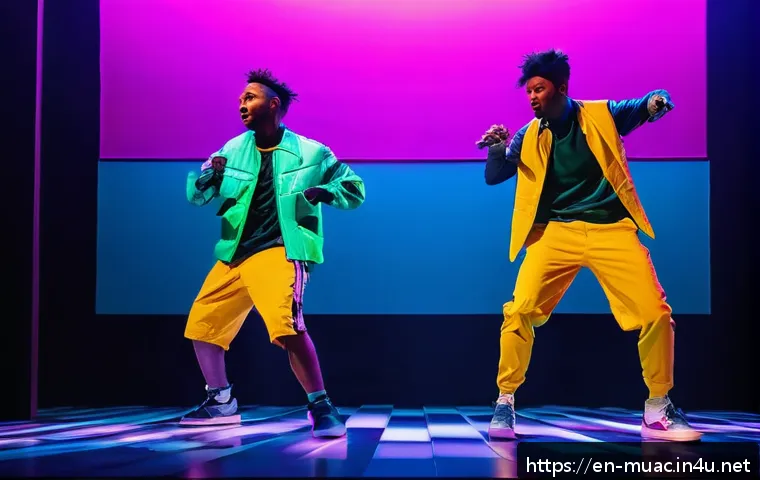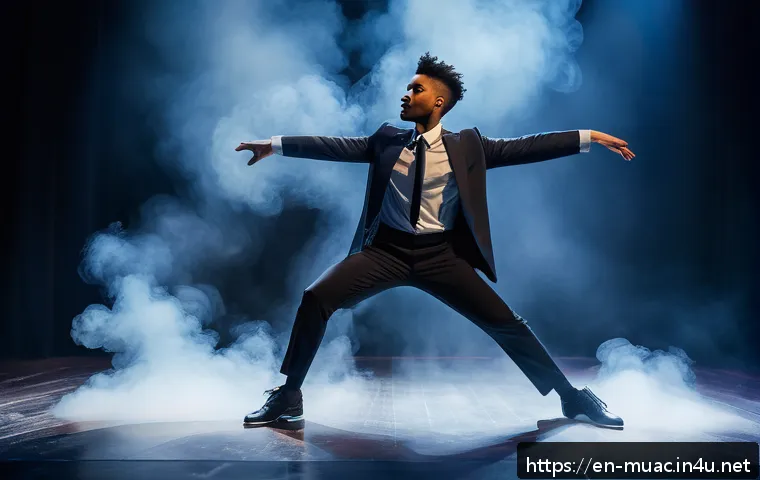
Streaming live musical performances has become an exciting way for actors to connect with audiences beyond the theater walls. Whether you’re a seasoned performer or just stepping onto the stage, mastering the art of real-time streaming can open new doors for exposure and fan engagement.
From choosing the right equipment to creating an immersive experience, there’s a lot to consider to make your show shine online. I’ve personally seen how a well-executed stream can boost visibility and deepen audience connection.
Ready to take your performance to the digital spotlight? Let’s dive into the details below and explore how to make your live musical streaming a hit!
Choosing the Right Gear for a Flawless Stream
Finding the Perfect Camera Setup
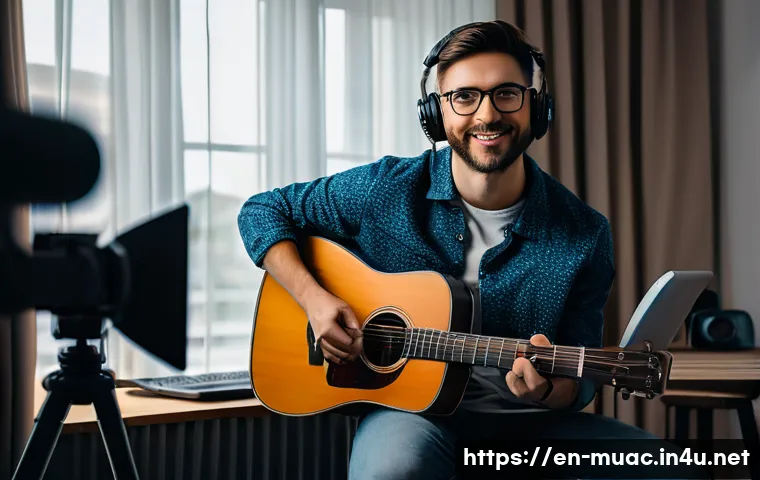
Picking the right camera is a game changer for live musical performances. I’ve tried everything from basic webcams to DSLR cameras, and trust me, the quality difference is noticeable.
A DSLR or mirrorless camera with clean HDMI output creates crisp visuals that really capture your expressions and the stage’s ambiance. For performers on a budget, high-end webcams with good autofocus and low-light performance can also do the trick.
Just make sure your camera can connect easily to your streaming software without lagging, because nothing kills the vibe faster than choppy video.
Audio Equipment That Captures Every Note
Audio quality is often overlooked, but it’s what keeps your audience hooked. I started with my laptop’s built-in mic, and the feedback was underwhelming.
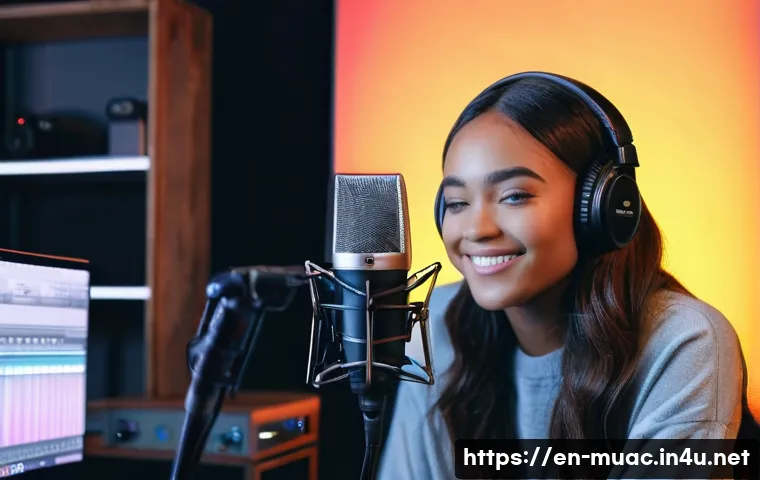
Investing in a condenser microphone or a wireless lavalier mic has transformed my streams. These capture the nuances of your singing and dialogue with clarity and warmth.
Pairing your mic with an audio interface ensures the sound stays clean and avoids distortion. Remember, viewers might forgive a less-than-perfect video, but poor audio will make them click away instantly.
Lighting to Set the Mood
Lighting can completely change the feel of your stream. I learned this the hard way when my first stream looked like a shadowy mess. Softbox lights or ring lights positioned at 45-degree angles give a natural and flattering glow.
If you want to get creative, colored LED panels can add dynamic effects, helping to highlight dramatic moments or set the tone for different scenes. Avoid overhead lighting alone, as it can cast unflattering shadows.
Lighting isn’t just about visibility—it’s part of your storytelling.
Creating an Engaging Digital Stage Presence
Connecting Emotionally Through the Screen
Performing live online is different from being on a physical stage, but the goal remains the same: connect with your audience. I found that looking directly into the camera lens during emotional moments makes viewers feel like you’re singing or speaking just to them.
Use subtle gestures and facial expressions; they translate well on screen and keep the energy genuine. Avoid rushing through lines or songs—pause slightly, let moments breathe, and watch your engagement soar.
Interactive Elements to Boost Audience Participation
One of the perks of streaming is real-time interaction. I encourage viewers to leave comments, ask questions, or even request songs during the show. Platforms like Twitch or YouTube Live have built-in chat features that make this easy.
Reacting to chat messages or giving shoutouts fosters a community feeling, turning passive watchers into active fans. Polls, giveaways, or behind-the-scenes glimpses during breaks also help maintain excitement and keep people coming back.
Using Background and Props to Enhance Storytelling
Your streaming backdrop can add layers to your performance. I started with a simple curtain, but upgrading to themed sets or minimal props elevated my storytelling immensely.
Even small touches like a vintage microphone stand or a spotlight effect can transport viewers into the world of your musical. Just make sure your background isn’t too busy or distracting; it should complement your performance, not compete with it.
Optimizing Your Streaming Platform and Settings
Choosing the Best Platform for Your Audience
Not all streaming platforms are created equal for musical performances. I’ve experimented with Facebook Live, YouTube, Instagram, and Twitch. YouTube offers great discoverability and a large music-loving audience, while Twitch excels at building interactive communities.
Instagram is perfect for quick, casual performances but may limit your stream length and quality. Consider where your existing fans hang out and what features you need, like monetization options or chat moderation tools.
Stream Settings That Maximize Quality and Stability
Technical hiccups can ruin the best performances. I always recommend streaming at 1080p with a bitrate around 4000-6000 kbps to balance quality and smooth playback.
Make sure your internet upload speed is at least double your chosen bitrate to avoid buffering. Use wired Ethernet connections when possible; Wi-Fi can be unreliable.
Test your stream privately before going live to tweak audio levels, video resolution, and scene transitions.
Adding Overlays and Visuals Without Overcrowding
Overlays can provide useful info like your social media handles, lyrics, or sponsor logos, but keep it tasteful. I like to use transparent overlays that don’t block the main action.
Simple lower-thirds or corner banners work best. Avoid cluttering the screen with too many graphics or animations—they distract from your performance.
Using smooth transitions between scenes also helps maintain a professional vibe and keeps viewers visually engaged.
Mastering Rehearsals and Technical Run-throughs
Running Full Dress Rehearsals on Stream
I can’t stress enough how important it is to do a full rehearsal in your streaming setup. It’s not just about memorizing lines or songs; it’s about syncing your performance with tech.
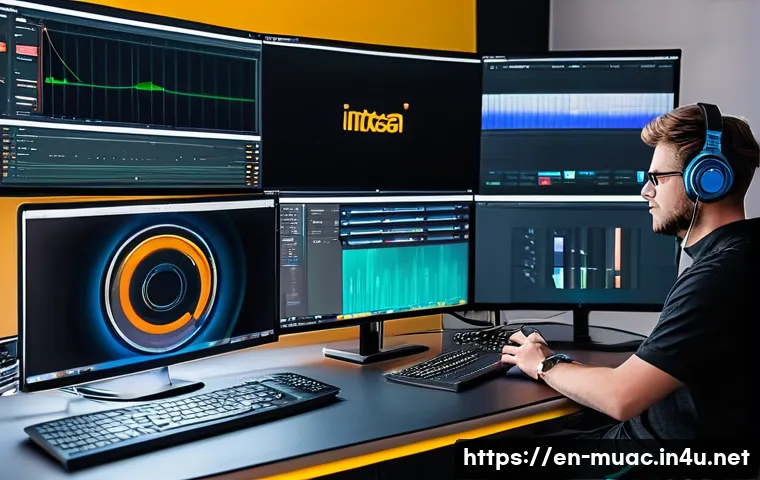
Dress rehearsals help you check lighting, audio levels, camera angles, and transitions while performing as if it’s the real thing. This practice reduces on-stream nerves and unexpected glitches, making your live show smoother and more confident.
Testing Internet and Backup Plans
Streaming live means you’re at the mercy of your connection. I always run a speed test before going live and have a backup hotspot ready just in case.
Sometimes, even the best internet can falter, so having a plan B—like switching to a lower quality stream or a different device—can save your show. Inform your audience if something goes wrong, as honesty builds trust and keeps them supportive.
Monitoring Your Stream in Real-Time
During your performance, have a second device or monitor dedicated to watching your live stream. This way, you can catch any delays, audio sync issues, or chat messages without disrupting your focus on performing.
I’ve found it helps to have a trusted friend or moderator who can handle chat moderation or technical adjustments, so you can stay fully immersed in your act.
Building a Loyal Audience Through Consistency and Promotion
Setting a Regular Streaming Schedule
Consistency is key to growing your online following. I started by streaming once a week on the same day and time, which helped my audience know when to tune in.
Treat your streams like theater performances—announce them in advance, promote on social media, and stick to your schedule as much as possible. Over time, regular viewers will become loyal fans who mark your shows on their calendars.
Leveraging Social Media to Expand Reach
Social media is your best friend when it comes to promotion. I post teaser clips, behind-the-scenes shots, and countdowns to build anticipation. Using hashtags related to musicals, live performances, and streaming helps you reach new audiences.
Collaborating with other performers or influencers can also introduce you to their followers, creating a win-win exposure. Don’t forget to engage with comments and DMs to build a genuine connection.
Utilizing Analytics to Improve Content
Most streaming platforms provide analytics that reveal when viewers join or leave, which parts they rewind, and how they interact. I review these stats after every stream to understand what works and what doesn’t.
For example, if a particular song or segment holds attention longer, I make sure to feature similar content next time. Analytics help you fine-tune your performance and streaming style to maximize viewer retention and satisfaction.
Monetizing Your Performances Without Losing Authenticity
Exploring Different Revenue Streams
Monetization options like donations, subscriptions, and paid virtual tickets can turn your passion into income. I found that setting up a Patreon or Ko-fi page alongside my streams allows fans to support me voluntarily without pressure.
Offering exclusive content or early access to subscribers adds value and encourages ongoing support. Keep your monetization transparent and respectful to avoid alienating your audience.
Integrating Sponsorships and Brand Collaborations
As your audience grows, brands may approach you for collaborations. I recommend choosing sponsors that align with your artistic values and audience interests—think music gear, streaming services, or theater companies.
Seamlessly integrating sponsorship mentions during your performance or in overlays can generate income without disrupting the flow. Always disclose sponsored content to maintain trust.
Merchandising and Virtual Meet-and-Greets
Selling merchandise like signed posters, T-shirts, or digital downloads can boost your earnings. I’ve also hosted virtual meet-and-greet sessions after streams, which fans love because it’s more personal than just watching a show.
These experiences create deeper connections and provide additional revenue without overwhelming your performance time.
Essential Technical Specs for Your Streaming Setup
| Component | Recommended Specification | Why It Matters |
|---|---|---|
| Camera | DSLR/Mirrorless with clean HDMI output or high-end webcam (1080p) | Ensures clear, professional video quality and stable connection |
| Microphone | Condenser or wireless lavalier mic with audio interface | Captures detailed, clear sound critical for musical performances |
| Lighting | Softbox or ring lights with adjustable brightness | Enhances visibility and sets mood without harsh shadows |
| Internet Speed | Upload speed minimum 10 Mbps, wired Ethernet preferred | Prevents buffering and stream interruptions |
| Streaming Resolution | 1080p at 4000-6000 kbps bitrate | Balances high video quality and smooth playback |
| Streaming Platform | YouTube, Twitch, or Facebook Live based on audience | Maximizes reach and interaction capabilities |
Wrapping Up
Choosing the right gear and mastering your streaming setup are essential steps toward delivering captivating live musical performances. By focusing on quality audio, sharp visuals, and engaging interaction, you create an experience that resonates with your audience. Remember, practice and consistency help build a loyal fanbase while smart promotion and monetization keep your passion sustainable. Embrace the journey, and let your unique artistry shine through every stream.
Useful Tips to Keep in Mind
1. Always test your equipment and internet connection before going live to avoid unexpected technical issues.
2. Engage with your audience by responding to comments and incorporating interactive features like polls or song requests.
3. Use lighting creatively to enhance the mood and storytelling of your performance rather than just illuminating the space.
4. Maintain a consistent streaming schedule to build anticipation and loyalty among your viewers.
5. Leverage analytics from your streaming platform to understand what content resonates most and adjust accordingly.
Key Takeaways
Investing in quality audio and video gear significantly elevates the viewing experience and keeps audiences engaged. Thoughtful lighting and a well-designed background add depth to your storytelling and stage presence. Choosing the right platform based on your audience and streaming goals ensures better reach and interaction. Consistent rehearsal and having backup plans minimize disruptions and boost confidence during live shows. Lastly, monetization should feel authentic and respectful to maintain trust and support from your community.
Frequently Asked Questions (FAQ) 📖
Q: What equipment do I need to start streaming my live musical performances?
A: To kick off a quality live stream, you’ll want a reliable camera—many performers find that a good smartphone with a tripod works well when starting out.
Beyond that, a decent microphone is crucial because clear sound makes all the difference; USB condenser mics or lavalier mics are popular choices. Don’t forget a stable internet connection; buffering or lag can really kill the vibe.
As you grow, investing in an audio interface and lighting can elevate your stream from amateur to professional. From my own experience, even simple upgrades like softbox lights and a USB mic made my streams look and sound significantly better, which kept viewers coming back.
Q: How can I create an engaging and immersive live streaming experience for my audience?
A: Engagement is key, so think beyond just performing. Interact with your viewers by reading and responding to chat messages in real-time; it creates a two-way connection that feels personal.
Mixing in behind-the-scenes stories or sharing your creative process between songs adds depth and keeps people hooked. Also, consider using multiple camera angles or close-ups to make the audience feel like they’re right there with you.
When I started adding these interactive touches, I noticed my audience stayed longer and even shared the stream with friends, which helped grow my fanbase organically.
Q: What platforms are best for streaming live musical performances, and how do I choose?
A: The choice depends on where your audience hangs out and what features you need. YouTube Live is great for discoverability and offers excellent streaming stability.
Twitch, while known for gaming, has a growing community of musicians and interactive tools like chat moderation and subscriber options. Facebook Live is perfect if you already have a strong social media following there, making sharing easy.
Personally, I started on YouTube for reach, then expanded to Twitch to engage with a more niche audience who appreciated live interaction. It’s worth trying a couple to see which platform matches your style and where you get the best response.